
Storefront themes and content
Preview, publish and assign themes and content.
On this page
Drafts, versions and assignments
Content → Themes manages drafts. Publishing creates an immutable version; channel assignments select published versions.
Saving, publishing and assignment are separate actions. Navigation and CMS pages use their own publication workflows.
Publish a theme change
- Open the intended theme and confirm its channel/revision.
- Edit sections, sources, media, text and destinations.
- Preview desktop and narrow layouts with your admin session.
- Save; reload and reconcile any stale-revision conflict.
- Publish, then review Content → Channel assignments.
- Verify the live channel and targeting context.
Work within section rules
- Layouts allow 30 sections; required slots stay protected.
- Duplicated optional sections receive new identities.
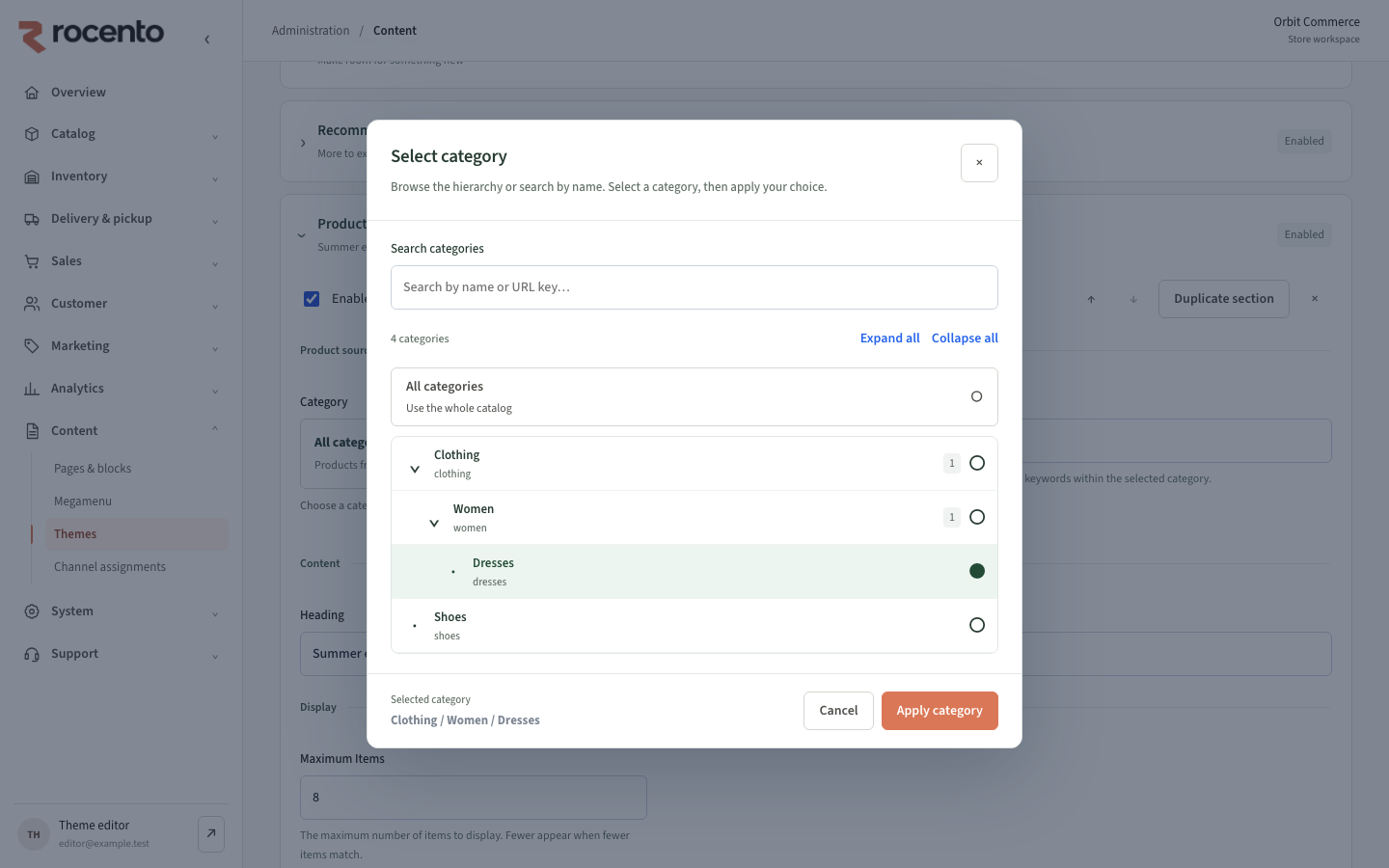
- Section category selections do not recategorize products.
- Server validation checks media references and tokens.
- Preview requires admin authentication and prevents order placement.
Recover a previous design
Rollback publishes a historical configuration as a new version and retains the draft. Verify the resulting version and assignments.
For missing changes, check publication, assignment and targeting before editing again.