THE ROCENTO HANDBOOK
Build your store.
Run it with confidence.
Practical guides for every team behind the customer journey. Start with a task, follow a workflow, or find a feature.
What are you working on?
Follow a short path through the guides that matter to your task.
01Launch your storeFrom the first product to a verified order.
- Getting started with RocentoSet up your store and verify a complete purchase.
- Catalog and product dataManage products, categories, attributes and media.
- Fulfillment guideConnect stock, coverage, schedules and capacity for delivery or pickup.
- Store launch checklistTake a store from configuration to a verified customer journey.
02Run daily operationsKeep stock, orders and customer support connected.
- Inventory and stock poolsConnect locations, stock pools and available quantities.
- Checkout and order operationsReview checkout and manage confirmed orders.
- Support tickets and review moderationHandle tickets and moderate customer reviews.
- Analytics and reportingRead metrics with their scope and freshness.
03Grow customer relationshipsConnect audiences, offers and the right message.
- Customers, segments and journeysInspect profiles, audience counts and recorded journeys.
- Promotions and couponsCreate offers and verify discount behavior.
- Notification campaigns and inboxCreate targeted storefront messages with clear audience, timing and publication rules.
- Transactional email templatesPreview, publish and restore account and order email content.
04Build customer experiencesPublish web and mobile experiences with confidence.
- Storefront themes and contentPreview, publish and assign themes and content.
- Languages and market publicationManage interface copy, translation drafts and market releases.
- Mobile App StudioDesign, validate and publish supported iOS and Android app experiences.
- Search and AI visibilityManage public identity, indexing and publication health.
05Integrate and extendUnderstand contracts, boundaries and release workflows.
- Architecture and domain boundariesUnderstand service responsibilities and commerce authority.
- API referenceExplore endpoints, authentication and OpenAPI schemas.
- Reviewed AI knowledge changesUnderstand the operator workflow for reviewing and releasing language knowledge.
- Deployment and launch readinessPrepare, verify and launch an isolated installation.
From an edit to an experience.
Themes, campaigns, email templates and mobile experiences each have their own review and publication controls.
- Prepare
Make changes in the feature’s own workspace.
- Review
Check the saved version, preview and required validation.
- Publish
Use the feature’s authorized publication action.
- Verify
Confirm the result in the customer experience.
Saving a draft is not publication. Settings such as delivery policy can take effect immediately; check each guide before making a change.
More of the platform, explained.
Notification campaigns and inbox
Create targeted storefront messages with clear audience, timing and publication rules.
MarketingTransactional email templates
Preview, publish and restore account and order email content.
Mobile appsMobile App Studio
Design, validate and publish supported iOS and Android app experiences.
DevelopersReviewed AI knowledge changes
Understand the operator workflow for reviewing and releasing language knowledge.
Browse all 27 guides
Start here
Commerce
Operations
Storefront
Marketing
Mobile apps
Intelligence
Administration
Developers
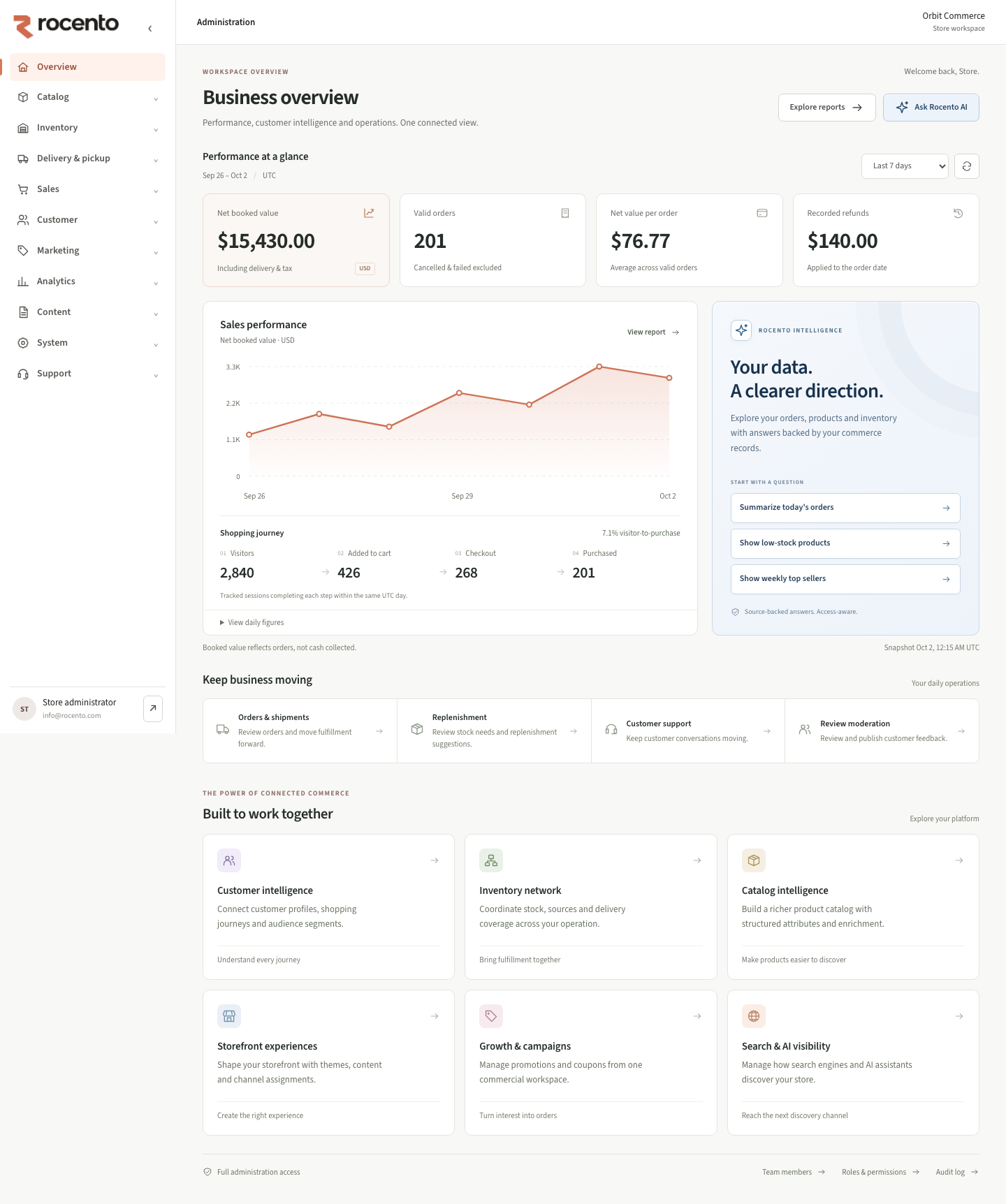
The Admin workspace