
Analytics and reporting
Read metrics with their scope and freshness.
On this page
Start with scope and freshness
- Open Sales dashboard or Cohort & retention.
- Select UTC dates and inspect Data through.
- Review currencies separately and check delay notices.
- Reconcile daily figures with orders; refresh after reporting completes.
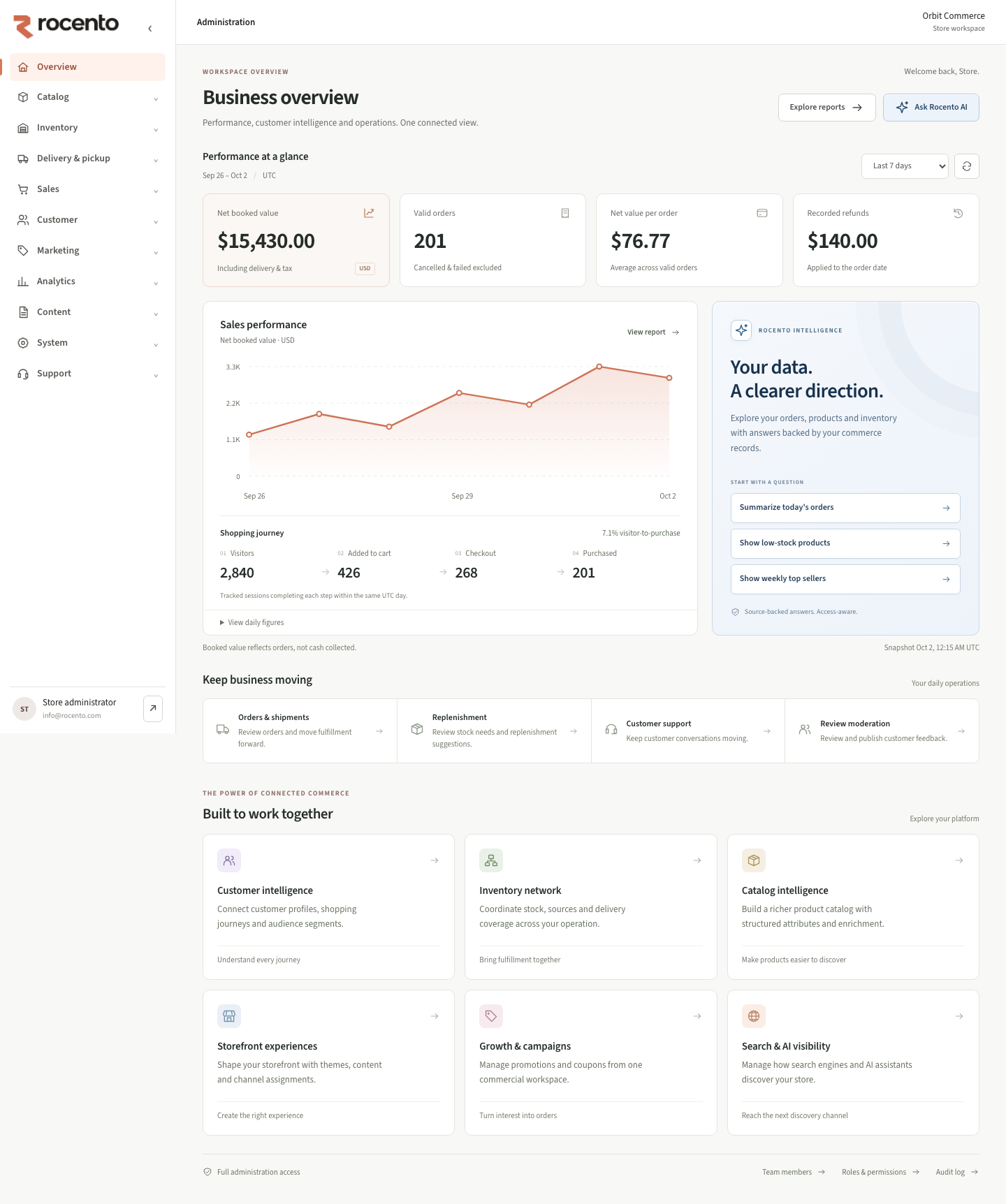
Understand the core measures
| Measure | Definition |
|---|---|
| Net booked value | Order-date totals with tax/delivery; excludes cancelled/failed deliveries. Refunds reduce original dates. |
| Shopping funnel | Ordered browser events within one session and UTC day. |
| Traffic | First tracked visit per session/UTC day. |
| Top products | Discounted merchandise; excludes cancelled, failed and fully refunded orders. |
| Retention | Repeat buying by first-valid-order cohort. |
| Lifetime value | Lifetime net booked value by customer cohort and currency. |
Avoid misleading comparisons
- Booked value is not cash collected.
- Blocked tracking and cross-day journeys limit funnel coverage.
- Future cohort months are unobserved, not zero.
- Check timestamps before treating reports as current.
Read assistant outcomes separately
Assistant reports show recent outcomes and recorded latency. Completion does not establish answer quality or purchase success.
Authorized Assistant tracking provides request-ID and outcome investigations. Tracking exports require separate permission.