
Catalog and product data
Manage products, categories, attributes and media.
On this page
Understand the product record
Products combine SKU, name, price, currency and status with categories, media and typed attributes. Attribute sets group fields; industry profiles supply starting definitions while preserving existing values.
Create and verify a product
- Open Catalog → Products. Enter SKU, name, selling unit, price and currency.
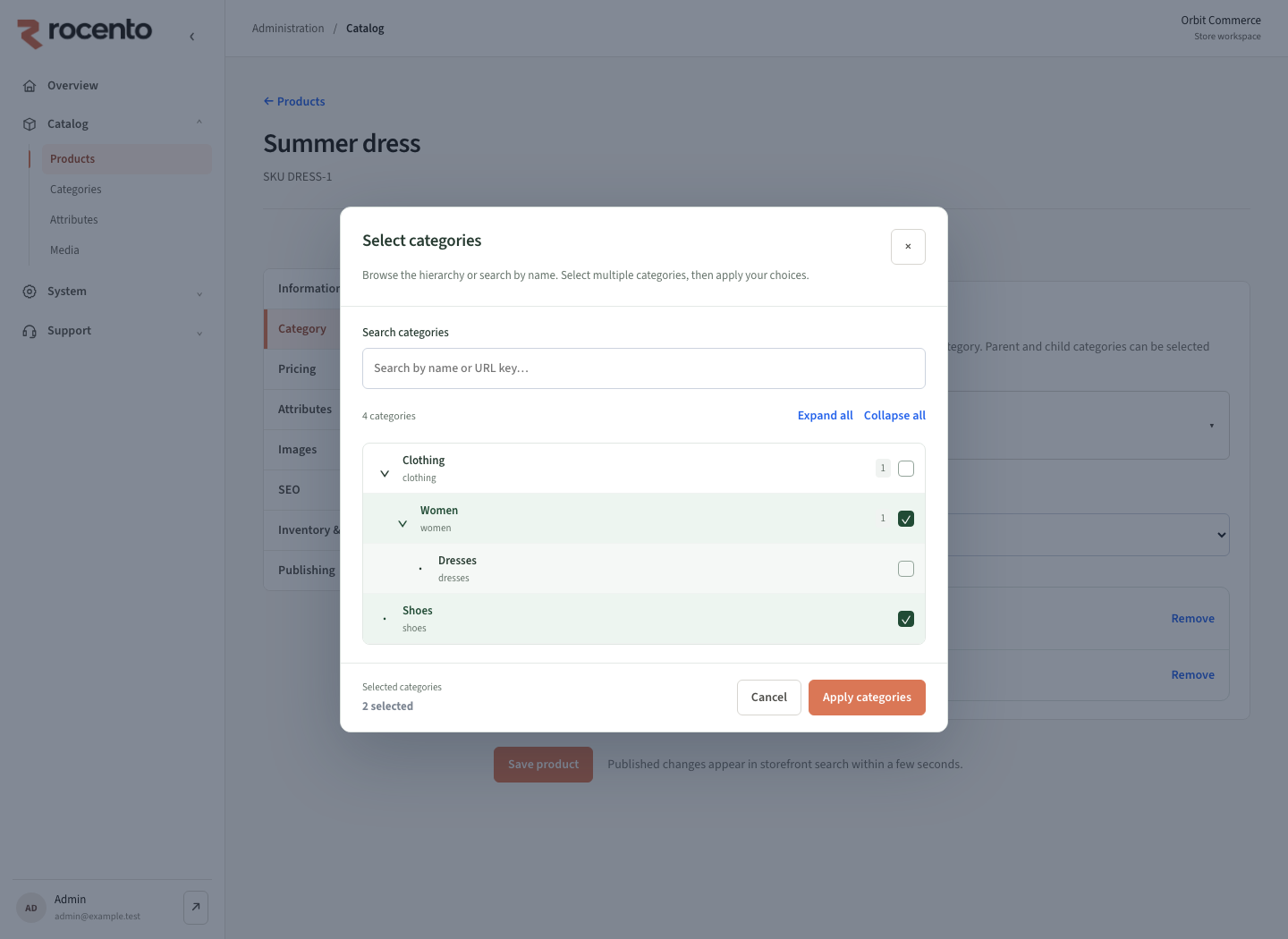
- Choose primary/additional categories and an attribute set.
- Complete required attributes and attach media.
- Save, activate and supply inventory.
- Verify product details, browsing and search. Check effective prices if a market release is active.
Primary and additional categories
The primary category drives existing policies and breadcrumbs. Additional categories expand discovery. Each product supports up to 50 direct assignments, including primary.
Search reflects category changes after indexing completes.
Maintain trustworthy product facts
- Verify enrichment suggestions before accepting them.
- Translation edits share product identity and inventory.
- For missing products, check status, stock, categories, market assortment and indexing.
- Validate bulk changes using the correct import template.