
Platform overview
See how the platform connects commerce and operations.
On this page
One connected commerce operation
Rocento connects the storefront, merchant workspace and commerce backend. The backend validates identity, prices, availability and orders.
Industry profiles supply product attributes. Merchants configure their own catalog, stock, content and themes.
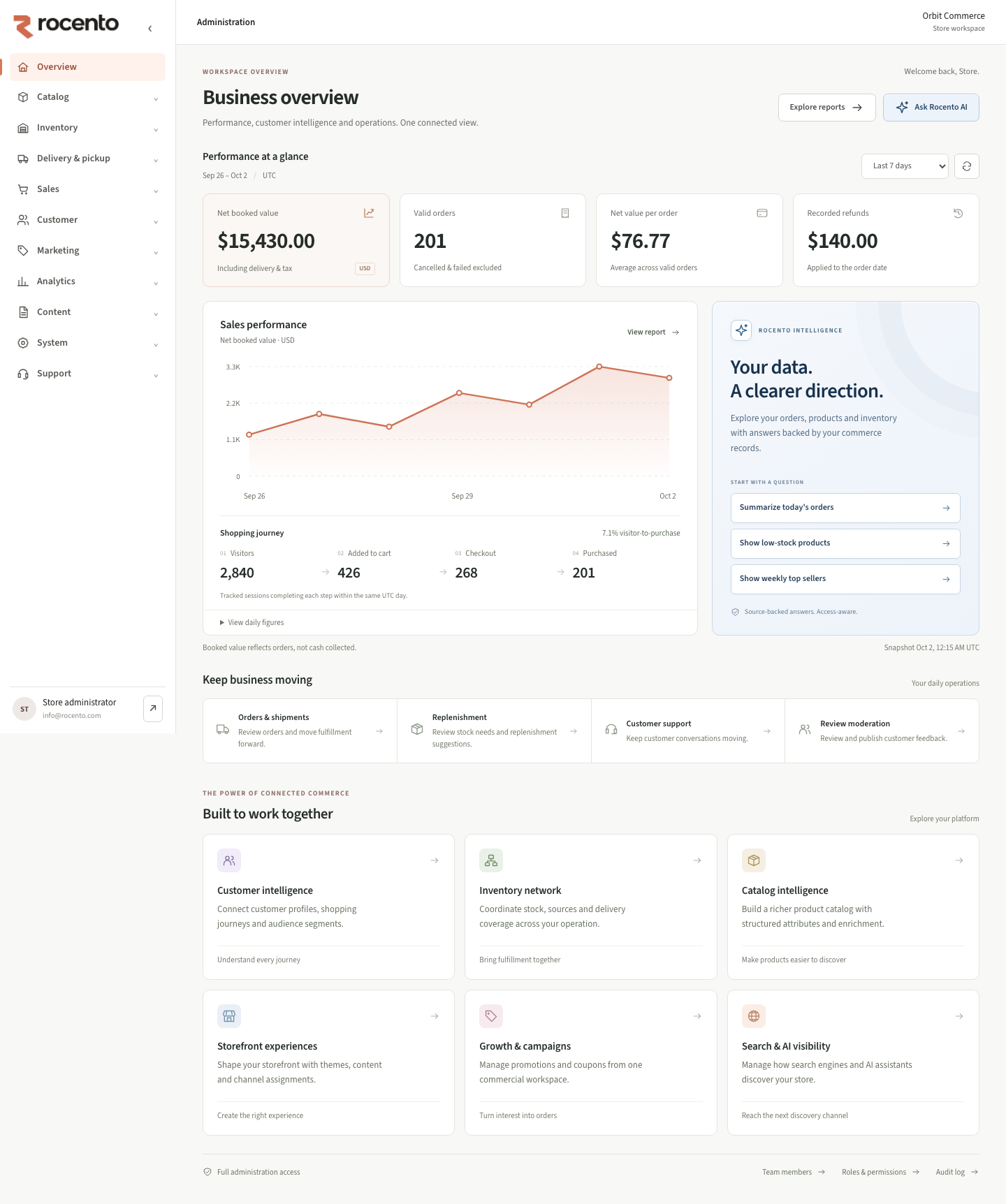
Capability map
| Area | Capabilities |
|---|---|
| Catalog | Products, categories, attributes and media. |
| Commerce | Cart, checkout, orders, promotions and tax. |
| Operations | Stock, coverage, pickup, schedules and capacity. |
| Customers | Profiles, segments, journeys and support. |
| Storefront | Themes, navigation, pages, languages and markets. |
| Intelligence | Reporting, shopping assistance and diagnostics. |
| Administration | Users, permissions, audit and publication. |
How changes become customer experiences
- Settings have distinct store, channel or installation scopes.
- Saving a theme or market draft does not publish it.
- Checkout uses current facts; search and reports update asynchronously.
- Assistant actions require enabled capabilities and authoritative outcomes.
Choose your documentation path
- Operators: catalog, inventory, fulfillment and orders.
- Experience teams: storefront, languages and discoverability.
- Administrators: access, data transfer and security.
- Developers: architecture, API and deployment.